
What is Linux?
Linux is an open-source operating system kernel1, first created by Linus Torvalds in 1991. The kernel is the core of any operating system, managing hardware resources and facilitating communication between hardware and software. Unlike proprietary2 operating systems like Windows or macOS, Linux is free and open-source, which means anyone can view, modify, and distribute its source code.
What is a Linux Distribution (Distro)?
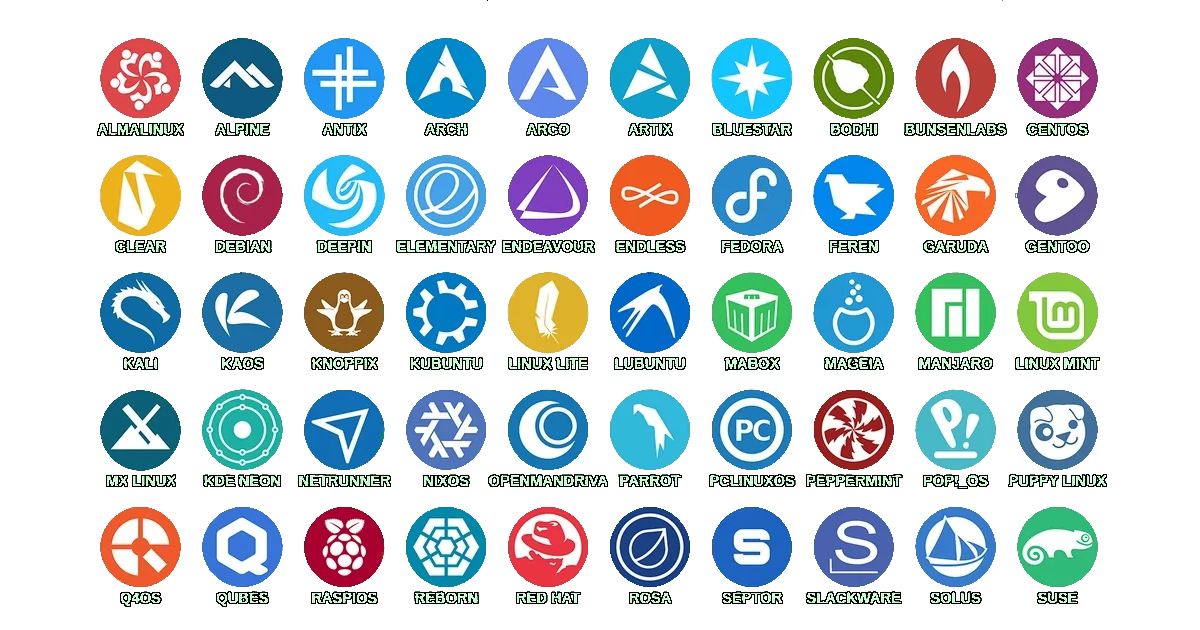
A Linux distribution (or “distro”) is essentially a packaged version of Linux that includes the kernel, system software, and a set of default applications, making it a complete operating system. Distros differ based on package managers, desktop environments3, release cycles, and more. The good news? Most of the differences are minor and won’t affect your day-to-day use unless you’re working on specific tasks or configurations.
Why (or Why Not) Switch to Linux?
If you are looking for the ideal Linux distro, you may be new to Linux or considering making the switch from another operating system, like Windows or macOS. Linux can be incredibly rewarding, but it’s important to understand the benefits and potential drawbacks before diving in.
Why You Might Want to Switch to Linux
Freedom and Control: Linux gives you full control over your operating system. You can tweak and modify virtually anything to suit your needs, from the user interface to the core system processes. If you’re the kind of person who loves learning and experimenting, Linux is a paradise of possibilities.
Open Source & Free: Unlike proprietary operating systems, Linux is free to download, use, and modify. You’re not tied to licenses or subscriptions, and most software you need is available for free as well. The open-source nature of Linux also means that you can trust the system to respect your privacy and security.
Customization: Linux allows for extensive customization, from your desktop environment to the software you use. Want a lightweight system for an older machine? Prefer a minimal design or a highly functional, productivity-focused environment? Linux gives you the tools to make your desktop truly yours.
Security and Stability: Linux is known for its robust security features. It’s less vulnerable to viruses and malware compared to other operating systems, and most distributions have strong security policies in place. Additionally, many Linux distributions are incredibly stable4, making them great choices for both personal and professional use.
Tip: If you want an operating system that gives you freedom, security, and customization, Linux is an excellent choice.
Why You Might Not Want to Switch to Linux
Software Compatibility: While Linux has a vast library of software, some applications that you may be accustomed to using on Windows or macOS, such as Adobe Creative Suite or certain video games, aren’t natively available. You might need to find alternatives or use compatibility layers like Wine, which can sometimes be less reliable.
Learning Curve: Linux is powerful but it can also be unfamiliar. Even though many distributions have user-friendly interfaces, certain tasks may still require the use of the terminal, which could be daunting if you’re not used to it. Customizing and troubleshooting can sometimes demand a deeper understanding of the system.
Hardware Compatibility: Linux supports a wide variety of hardware, but some devices (like certain printers, Wi-Fi cards, or gaming peripherals) might not work right away or may require additional drivers or configuration. While this situation has improved dramatically over the years, hardware support can still be a hurdle in some cases.
Gaming and Multimedia Support: While Linux gaming has grown significantly (thanks in part to tools like Proton and Steam’s native support), some AAA games and specialized multimedia tools might not run as smoothly or be available at all. If you’re a heavy gamer or rely on specific multimedia software, you may need to check if your games are supported on Linux. A great resource for this is ProtonDB, where users report how well their games run on Linux.
Tip: Before switching, you can visit ProtonDB to check how your favorite games perform on Linux and see what workarounds, if any, are required.
Warning: If you’re heavily reliant on proprietary software or require specialized hardware compatibility, make sure to test Linux thoroughly before committing to a full switch.
Balancing the Pros and Cons
Ultimately, switching to Linux comes down to your personal needs and priorities. If you’re ready to embrace freedom, customization, and the open-source philosophy, Linux is a fantastic choice. However, if you’re tied to specific proprietary software or need 100% compatibility with certain hardware, you may want to dual-boot Linux with another OS or stick with what you know.
Info: Many users start their Linux journey on a virtual machine or by dual-booting alongside Windows or macOS, allowing them to try Linux without fully committing.
Comparing Popular Linux Distributions
Here’s a comparison of some popular Linux distros:
| Distro | Based On | Package Manager | Target Audience |
|---|---|---|---|
| Debian | None | APT | Stability-focused users |
| Ubuntu | Debian | APT | Desktop & server users |
| Linux Mint | Ubuntu | APT | Desktop users, general use |
| OpenSUSE | None | Zypper | Power users, developers |
| Fedora | None | DNF | Developers, cutting-edge software enthusiasts |
| Parrot OS | Debian | APT | Security professionals |
| Arch Linux | None | Pacman | Users who want to learn Linux from scratch |
| EndeavourOS | Arch Linux | Pacman | Users who want an Arch-based experience with easy setup |
Let’s dive deeper into a few of these distributions.
Debian
Debian is one of the oldest and most stable Linux distributions. It forms the base for many other popular distros, including Ubuntu and Linux Mint. Debian is known for its stability and conservative approach to updates, making it a reliable choice for servers and production systems.
Tip: If you need an operating system where stability and reliability are key, Debian is a solid choice.
Ubuntu
Ubuntu is a user-friendly Linux distribution based on Debian. It is one of the most popular distros, offering a good balance between stability and the latest features. Ubuntu targets both desktop and server environments and provides regular Long-Term Support (LTS) releases, ensuring extended support for critical updates. It’s a go-to choice for users seeking ease of use and a large support community.
Linux Mint
Linux Mint is built on top of Ubuntu (which itself is based on Debian), offering a more beginner-friendly experience. It comes with a range of desktop environments, such as Cinnamon and MATE, and has excellent hardware support right out of the box. It’s great for users switching from Windows, as it provides a similar interface.
Info: Linux Mint is a popular choice for those looking for an intuitive, ready-to-use desktop experience.
OpenSUSE
OpenSUSE is a powerful and flexible distribution geared toward developers and power users. It provides two main versions: Leap, for stability, and Tumbleweed, for rolling releases5 with cutting-edge software. OpenSUSE’s Yast tool offers an easy way to manage system configurations, from software installations to network settings.
Info: OpenSUSE is excellent if you like having complete control over your system configurations with a strong suite of management tools.
Fedora
Fedora is known for being on the bleeding edge of technology. Sponsored by Red Hat, Fedora serves as a testing ground for new features that may later be incorporated into Red Hat Enterprise Linux. It’s an excellent choice for developers and users who want the latest software, but it may require a bit more tweaking and management.
Warning: Fedora often includes the latest software, which means it can sometimes be less stable than other distributions like Debian or Mint.
Parrot OS
Parrot OS is a security-focused distribution, designed for penetration testing6, forensics7, and privacy-conscious users. It includes a full suite of security tools right out of the box. While it’s powerful, it’s not necessarily designed for general use, but rather for security professionals or enthusiasts.
Arch Linux
Arch Linux is known for its simplicity and full customization potential. It follows a rolling release model, meaning that you always have the latest software updates without needing to reinstall. Arch Linux requires you to set up everything from scratch, offering a deep learning experience in the process.
Tip: Using Arch Linux will teach you a lot about Linux! If you take your time and follow the Arch Wiki, you’ll gain valuable knowledge and control over your system.
EndeavourOS
EndeavourOS is essentially Arch Linux with a more user-friendly installer. It’s an excellent compromise for users who want the Arch experience without having to go through the complex installation process. It offers several pre-configured desktop environments and minimal pre-installed software.
Do the Differences Really Matter?
When it comes down to it, most Linux distributions offer a similar experience. The differences are often under the hood, in package management, release cycles, and pre-installed software. But in daily use, especially if you’re primarily doing web browsing, coding, or working in the terminal, the distro you’re using won’t make much of a difference.
Here’s why the differences between distros are often negligible for most users:
Same Software Availability: Nearly every Linux distribution gives you access to the same core software. Whether you’re using Debian’s APT, Fedora’s DNF, or Arch’s Pacman, you can install the same applications like web browsers, text editors, and office suites. Additionally, some distros have unique offerings, like Arch’s AUR8, which gives users access to a vast library of third-party software that’s easy to install. But overall, with Flatpaks and AppImages, most distros can access a broad range of applications.
Desktop Environments: While different distros might come pre-installed with certain desktop environments (e.g., Linux Mint with Cinnamon or Fedora with GNOME), you can install any desktop environment on almost any Linux distribution. Want KDE on Fedora? Or GNOME on Arch? It’s all possible, meaning you can customize your distro to fit your preferred look and feel. The user interface experience can be consistent regardless of the distribution you choose.
Customization: Almost all Linux distros are customizable, giving users the freedom to tweak and modify the system as they see fit. Even if you start with something more pre-configured like Linux Mint, you can customize it to function similarly to a distribution like Arch if you’re willing to put in the time. No matter the distro, you’re in control of your desktop environment, themes, and software choices.
Performance: For most users, the performance difference between distros is negligible. The Linux kernel is the same across all distributions, and unless you’re working with very specialized hardware or software, the variations in performance are minimal. Most differences will come from factors like the desktop environment’s resource usage (e.g., GNOME might use more RAM than XFCE), but this is something you can adjust easily.
Info: Ultimately, most Linux users won’t notice a significant difference between distributions. It often comes down to personal preference and the additional features or software each distro offers out of the box.
Closing Thoughts
Linux is a powerful, flexible, and free operating system with a vibrant community. While there are many different distributions to choose from, the experience across them is often very similar. The choice of a Linux distro mostly comes down to how much control you want over your system and how much effort you’re willing to put into setup and maintenance.
Explore the Linux Distribution Timeline
At the end of this post, here’s a fascinating visualization of the evolution of Linux distributions over time. You can click the link below to open the timeline in a new tab and explore the rich history of Linux distros.
Open the Linux Distribution Timeline
Tip: Click on the link above to zoom in and pan around the timeline and explore different Linux distributions and their development over the years.
Kernel: The core component of a Linux operating system responsible for managing system resources like CPU, memory, and hardware devices. ↩
Proprietary: Software that is owned and controlled by a company, with restrictions on usage, modification, or redistribution. Opposite of open-source software. ↩
Desktop Environment: A collection of tools and graphical interfaces that provide users with a visual interface to interact with the Linux system, such as GNOME, KDE, or XFCE. ↩
Stable: Refers to a version of Linux with well-tested, reliable software, generally receiving fewer updates but with an emphasis on avoiding bugs or crashes. ↩
Rolling Releases: A distribution model where the system continuously updates with the latest software versions, rather than requiring major upgrades (e.g., Arch Linux). ↩
Penetration Testing: The practice of testing the security of systems by simulating attacks, often using specialized Linux distributions like Kali Linux or ParrotOS. ↩
Forensics: The process of gathering and analyzing digital evidence, often used in investigating cybercrimes or system breaches. Linux distributions like ParrotOS have tools specialized for this purpose. ↩
Arch User Repository: is a community-driven repository for Arch Linux users to share and maintain packages that are not included in the official Arch repositories. It allows users to contribute their own package builds, making it easier to install software that may not be readily available. ↩
Comments powered by Disqus.